
WhatsLNX
A minimalist, high-performance unofficial WhatsApp desktop client for Linux with Wayland support, native notifications, audio/video calling, and screen sharing.



A minimalist, high-performance unofficial WhatsApp desktop client for Linux with Wayland support, native notifications, audio/video calling, and screen sharing.
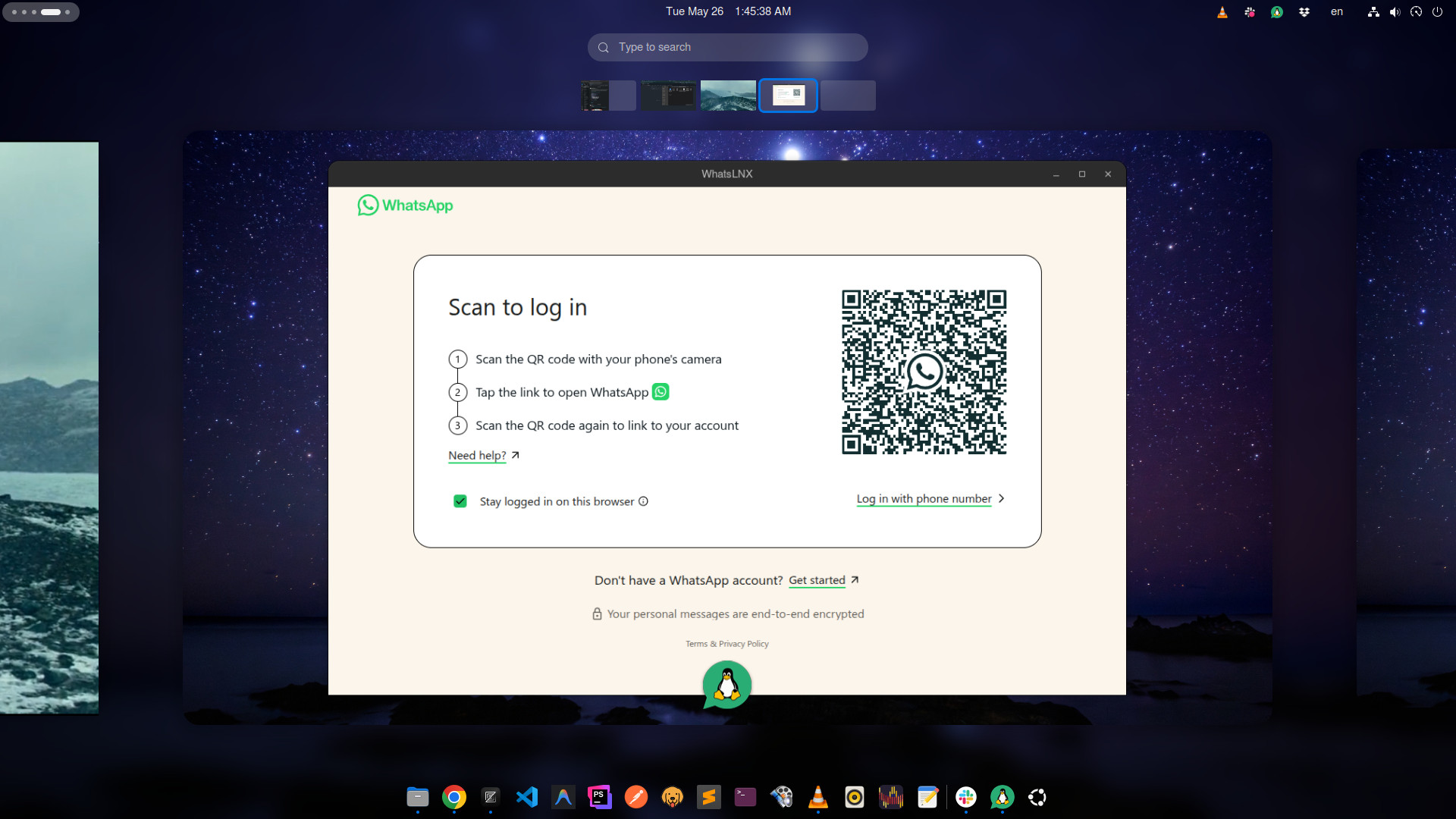

whatsapp:// URI scheme system-wideapt upgradeInstall and update WhatsLNX via APT on Ubuntu, Debian, Linux Mint, and Elementary OS.
Add the repository signing key:
shellcurl -fsSL https://kmmuntasir.github.io/WhatsLNX/whatslnx-archive-keyring.gpg \
  | sudo gpg --dearmor -o /usr/share/keyrings/whatslnx-archive-keyring.gpg
Add the repository:
shellecho "deb [arch=amd64 signed-by=/usr/share/keyrings/whatslnx-archive-keyring.gpg] \
  https://kmmuntasir.github.io/WhatsLNX stable main" \
  | sudo tee /etc/apt/sources.list.d/whatslnx.list
Update the package index:
shellsudo apt updateshellsudo apt install whatslnxshellsudo apt update && sudo apt upgrade whatslnxshellsudo apt remove whatslnx
# Optional: remove the repository
sudo rm /etc/apt/sources.list.d/whatslnx.list
sudo rm /usr/share/keyrings/whatslnx-archive-keyring.gpg
sudo apt updateshellrm -rf ~/.config/whatslnxUniversal, no-install release. Works on any Linux distribution.
shell# Download the latest AppImage
wget https://github.com/kmmuntasir/WhatsLNX/releases/latest/download/WhatsLNX-*.AppImage

# Make it executable
chmod +x WhatsLNX-*.AppImage

# Run
./WhatsLNX-*.AppImageshellrm WhatsLNX-*.AppImage
rm -rf ~/.config/whatslnxBuild from source. Requires Node.js 24+ and npm.
shellgit clone https://github.com/kmmuntasir/WhatsLNX.git
cd WhatsLNX
npm install
npm start        # Run in development mode
npm run build # Build all packages (AppImage + DEB)shellnpm run build:appimage
npm run build:debBuild artifacts go to dist/.
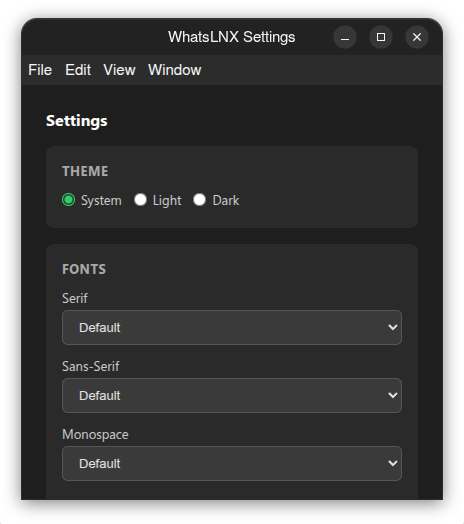
All settings are accessible via the tray icon context menu → Settings.
| Option | Behavior |
|---|---|
| System (default) | Follows your desktop's light/dark theme automatically |
| Light | Forces light mode |
| Dark | Forces dark mode |
Configure Serif, Sans-Serif, and Monospace font families. All system fonts are detected automatically via fc-list. Click Reset to Default to clear custom fonts.
WhatsLNX registers as the system handler for whatsapp:// URIs. Supported formats:
uriwhatsapp://send?phone=1234567890
whatsapp://send?phone=1234567890&text=Hello
whatsapp://send?text=Hello
Clicking these links in any application will open WhatsLNX and navigate to the compose view.
| Feature | WhatsLNX | WhatsDesk | Whatsie | WhatsApp for Linux |
|---|---|---|---|---|
| Wayland support | Auto | Manual | Partial | Unknown |
| Audio/Video calling | Auto-permission | Broken in Snap | Yes | Unknown |
| Screen sharing | Yes | No | No | No |
| Native file dialogs | xdg-desktop-portal | Custom | Custom | Custom |
| Theme sync with OS | Auto | Manual | Manual | Manual |
| System tray icon | Yes | Yes | Yes | Yes |
| Native notifications | Yes | Yes | Yes | Yes |
| Unread badge | Yes | No | Yes | No |
| Drag-and-drop files | Yes | Unknown | Unknown | Unknown |
| Font configuration | Yes (3 families) | No | No | No |
| Deep link support | whatsapp:// | No | No | No |
| Session persistence | Yes | Yes | Yes | Yes |
| Auto-update | Yes | No | No | No |
| Package formats | AppImage, DEB | AppImage, DEB, Snap | Snap, AppImage, DEB | DEB, Flatpak |
Tested on GNOME 46+ (Wayland/X11), KDE Plasma 6+ (Wayland/X11), XFCE 4.18+.